
MECOLOUR Printable Temporary Tattoo Paper 5 Sets
4.0Editor score
Five letter-size inkjet sets
Prints on glossy paper side
At least 48-hour wear
Oil or alcohol removal options
Printable temporary tattoo paper turns a printer, a favorite image, and a few careful preparation steps into wearable custom artwork. A good sheet should reproduce color accurately, transfer smoothly, remain durable for the intended occasion, and remove without excessive rubbing or harsh handling.
We compared all ten featured products by printer compatibility, sheet quantity, application method, expected wear time, color and finish claims, removal guidance, and suitability for parties, costumes, gifts, and personal designs. The list includes inkjet and laser options in small, medium, and high-volume packs.
Each review shows which users the product is best positioned to serve and where its workflow has limitations. The three leading picks emphasize value, straightforward Cricut integration, and professional-style longevity, while prices and availability can change, so check current listings before buying.
4.0Editor score
4.4Editor score

4.0Editor score
As an Amazon Associate we earn from qualifying purchases.
The comparison below highlights printer support, sheet quantity, core application features, and stated wear characteristics. Because the packs differ substantially in volume and intended workflow, the most useful choice depends on how often you plan to print and whether you use a cutting machine.




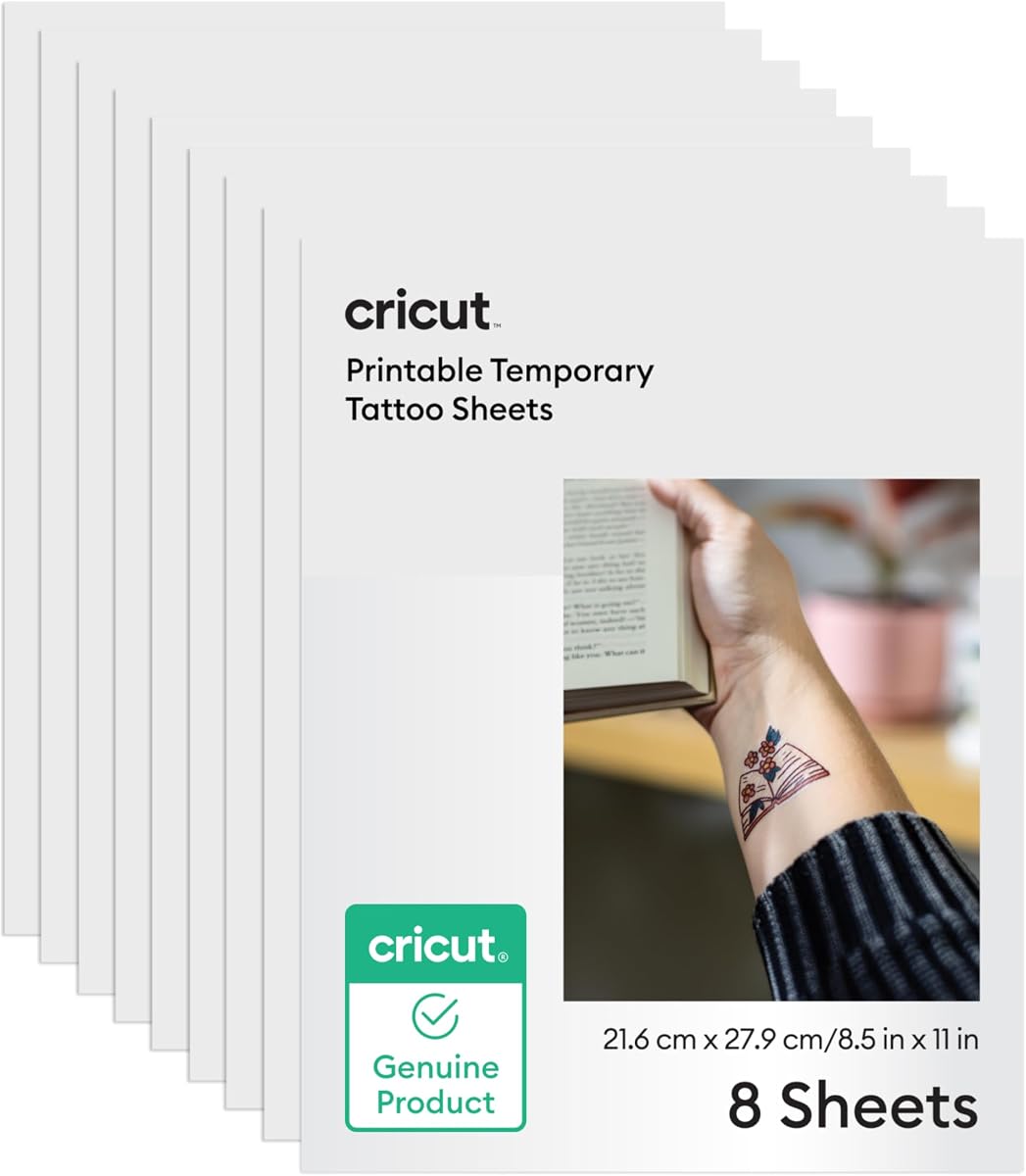
Cricut Temporary Tattoo Paper is the strongest all-around choice in this guide, combining a 4.4 customer rating with a clearly documented inkjet and Print Then Cut workflow. It is especially attractive to Cricut users because the process moves directly from a design in Cricut Design Space to printing, cutting, and eventual skin application.
We may earn a commission when you buy through this link, at no additional cost to you.
The paper includes eight sheets in standard 8.5-by-11-inch format. Instructions call for customizing a design, selecting the Make It function, mirroring the image, printing on an inkjet printer, drying the printed area on high heat for two to three minutes, and allowing it to sit. A compatible Cricut machine and mat handle the cutting stage, after which the clear protective sheet is applied to the printed design.
Its main limitation is that this is a deliberately integrated system rather than the most flexible independent paper option. Users without a compatible Cricut machine may be paying for a workflow they cannot use, and eight sheets is a relatively small supply for frequent party favors or large custom collections. The protective layer also must remain in place until application.
This is the best recommendation for crafters who already use Cricut machines, value repeatable outlines, and want an integrated application method rather than manually trimming every design. For non-Cricut buyers, the Welacer or MECOLOUR ranges offer more conventional workflows and larger sheet counts.
The digital instructions reduce ambiguity by covering design preparation, mirroring, high-setting hair-dryer drying, cooling, and cutting. This is particularly useful for beginners who may not know how a protective transfer layer should be aligned with the printed image.
The clear protective sheet remains attached through storage and application, helping the printed design stay organized until it is ready for water activation. It also allows Cricut users to create several designs together before placing them on skin.
We may earn a commission when you buy through this link, at no additional cost to you.
Sunnyscopa Inkjet Tattoo Paper is the premium and high-volume option here. It includes 100 US letter-size sheets and draws on the manufacturer's stated experience with patented decal papers since 1990. The product is aimed at users who care about realistic color, professional presentation, and more demanding longevity than a short party accessory.
We may earn a commission when you buy through this link, at no additional cost to you.
Its standout claim is potential wear of up to two weeks when the tattoo is placed in an area unlikely to stretch or rub. The manufacturer also describes the material as waterproof, tear resistant, and smudge proof. These characteristics make it worth examining for costume work, events, personalized gifts, or a collection of designs that should remain intact throughout a busy occasion.
The tradeoff is scale. One hundred sheets is a serious supply commitment, and the 4.0 rating suggests outcomes may not be uniform across every printer, skin type, or design. Wear time is explicitly conditional, so areas near joints, under tight clothing, or exposed to friction may not deliver the maximum duration. Removal still requires baby oil and rubbing.
Choose this product if you produce numerous temporary tattoos, need consistent professional-looking results, or want the longest stated wear potential. For a few designs or a casual craft, a smaller Welacer pack may be more practical and less demanding.
The manufacturer emphasizes color precision and a natural-looking finish, which matters when a transfer is intended to resemble fine tattoo art rather than a simple sticker. The waterproof and tear-resistant claims also support use in situations where ordinary paper transfers might deteriorate.
A 100-sheet format can support numerous party favors, cosplay pieces, gift inserts, or testing variations of one design. Buyers should confirm that regular inkjet printing and careful cutting make this volume practical for their intended project.
We may earn a commission when you buy through this link, at no additional cost to you.
Welacer 8-Sheet Inkjet Paper is an approachable starting option, earning a 4.3 rating for a clearly described process and a useful layer of skin-testing guidance. It works with most standard inkjet printers and avoids requiring a dedicated cutting machine, making it suitable for beginners and casual projects.
We may earn a commission when you buy through this link, at no additional cost to you.
The workflow uses a white tattoo paper sheet labeled A and a clear adhesive sheet labeled B. A custom image is printed on the white sheet, the clear adhesive layer is applied, and the design is cut before transfer. The manufacturer states that no special tools or cutters are required, although a craft blade or scissors will still be needed to separate the design from the sheet.
Typical wear is described as one to two days, depending on placement and skin type. Removal can be completed with baby oil, makeup remover, or rubbing alcohol. The shorter duration and modest sheet count make this less suitable for professional fulfillment, but they are reasonable attributes for birthdays, holidays, school projects, and short costume use.
This is a good choice for first-time users who want simple instructions and a low-commitment format. It is also useful for testing how a favorite digital design will look in temporary-tattoo form before investing in a bulk or advanced cutting workflow.
The white-and-clear sheet system is intuitive because it visually separates the printed component from the adhesive component. Once cut, the design can be transferred without a thermal transfer press or other specialized equipment.
The recommendation to test a small printed design first is sensible for temporary products intended for children, sensitive skin, and group use. It helps reveal individual reactions and placement differences before committing to a large design.
We may earn a commission when you buy through this link, at no additional cost to you.
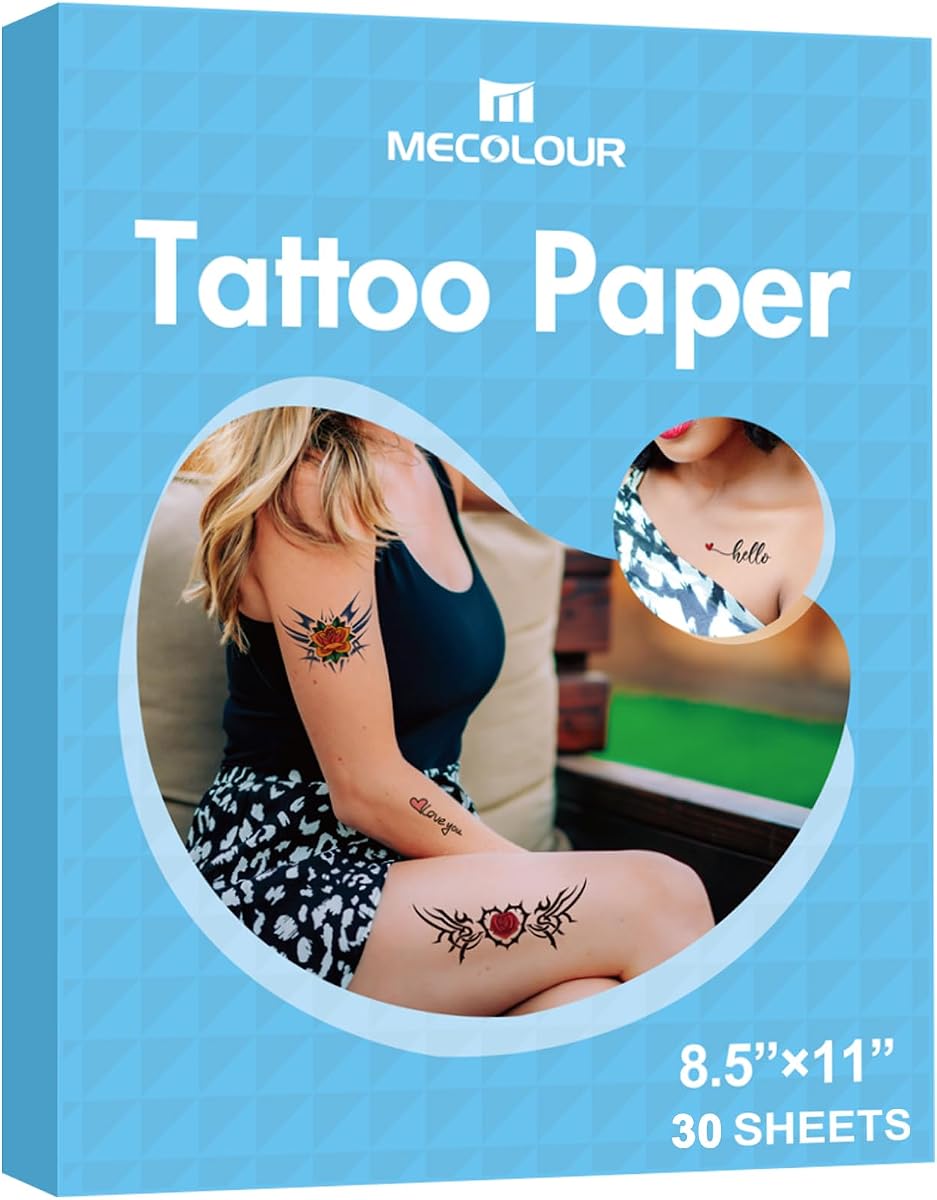
MECOLOUR 30-Set Inkjet Paper combines a substantial sheet count with a simple, broadly compatible inkjet process. Its 4.0 rating reflects a practical product aimed at festival decorations, birthday parties, costumes, and other occasions where several personalized transfers may be needed.
We may earn a commission when you buy through this link, at no additional cost to you.
The manufacturer says printing takes only a few minutes once users understand the process, and a full 30 sets make that convenience more useful. Printed stickers should be dried with a hair dryer before lamination. Images are printed on the glossy side, and the stated compatibility applies to all inkjet printers.
A tattoo is expected to last at least 48 hours when left untouched, while removal is described as gentle rubbing with water. That is a notably simple removal instruction, but the result can depend on skin oil, hair, placement, and how much the area has been stretched. The lack of Cricut-specific instructions may be a drawback for buyers who want automated contour cutting.
This pack fits users planning several events, designing coordinated party favors, or simply wanting a larger reserve than eight sheets offers. For very long wear, the Sunnyscopa products provide a stronger longevity proposition, while this MECOLOUR set is more focused on accessible, high-volume temporary designs.
The larger quantity is practical for batch-printing coordinated designs for friends, children, party tables, or multiple costume roles. It also leaves room to test several artwork options before choosing the final transfers.
Printing on the glossy side, allowing the ink to dry with a hair dryer, and completing the lamination process creates a repeatable workflow. Users should follow the included directions closely because handling sequence affects transfer quality.
We may earn a commission when you buy through this link, at no additional cost to you.
MECOLOUR 5-Set Inkjet Paper is the budget-focused pick for a small number of personalized tattoos. Five letter-size sets make it more approachable for a birthday, a simple costume, or a personal collection than a 30- or 100-sheet bulk product.
We may earn a commission when you buy through this link, at no additional cost to you.
Its basic workflow matches the broader MECOLOUR range: print on the glossy side with an inkjet printer, dry the design with a hair dryer, and complete the lamination stage. The product claims a tattoo can remain in place for at least 48 hours if left untouched, which covers most single-day events.
Removal guidance is more comprehensive than on the other MECOLOUR inkjet listings. For sensitive skin or children, the instructions recommend a gentle layer of makeup remover oil, baby oil, olive oil, or coconut oil, left for three minutes before massaging and rinsing. A quicker alcohol-wipe option is offered for normal skin, followed by moisturizer.
The main drawback is simply that five sets are not enough for a large party or a substantial series of favors. It also does not advertise Cricut integration. Still, it gives beginners a manageable way to test the medium with a limited supply and a clear removal process.
The oil-based instructions offer a slower alternative to alcohol for sensitive users, while the faster wipe method suits normal skin. Avoiding broken or delicate skin and moisturizing afterward are important parts of the stated care guidance.
Five sets let a user learn printing, transfer, wear, and removal without committing to a large inventory. That makes the format useful for one-off events and careful testing of artwork before producing a batch.
We may earn a commission when you buy through this link, at no additional cost to you.
Welacer 30-Sheet Inkjet Paper combines a 4.3 rating with a useful amount of material for group events. The product uses the same approachable white-sheet and clear-adhesive method as the smaller Welacer packs, but its larger quantity is better suited to parties, school projects, and coordinated favors.
We may earn a commission when you buy through this link, at no additional cost to you.
Custom images, text, and artwork can be printed at home with a standard inkjet printer. Sheet A receives the design, clear adhesive sheet B is placed over it, and the tattoo is cut and transferred. The absence of special tools in the claimed workflow is helpful, although buyers should plan to use scissors or a craft blade for clean outlines.
The expected wear of one to two days is shorter than the MECOLOUR 48-hour target and the Sunnyscopa longevity claim. Removal with baby oil, makeup remover, or rubbing alcohol is convenient, and the maker recommends testing a small area before a full application.
Choose this option when color-rich printing and volume matter more than long wear. It is a solid fit for one-day celebrations and a manageable alternative to the MECOLOUR 30-set product, particularly for users who prefer the explicit two-layer Welacer process.
Thirty sheets can produce multiple small designs, larger transfers, or a set of coordinated personalizations. This makes the format more practical for group activities than a small trial pack.
The product is designed around a normal inkjet printer and a straightforward transfer process. Users can create color artwork without investing in a laser printer, heat press, or automated cutter.
We may earn a commission when you buy through this link, at no additional cost to you.
MECOLOUR Laser Tattoo Paper gives owners of a laser printer a 30-sheet option for custom temporary tattoos. It offers the same broad use cases as the inkjet MECOLOUR products, including birthdays, festivals, parties, cosplay, and costume applications, while using a different printer workflow.
We may earn a commission when you buy through this link, at no additional cost to you.
Images should be printed on the glossy side, and the brand describes the process as easy and fast, with a few minutes needed to complete preparation. The expected wear is at least 48 hours when the tattoo remains untouched, making it suitable for events that continue beyond a single evening.
Its most important limitation is printer compatibility: this paper should not be selected for an inkjet-only setup. Removal also requires alcohol with a concentration above 75%, which may be less attractive for sensitive skin. The product should never be applied to eyes or broken skin.
This is the best fit for a home or office that already owns a compatible laser printer and wants a sizable supply of tattoo sheets. It is less versatile than the inkjet alternatives, but it is a solid specialist choice for the right equipment.
Laser-compatible stock provides a direct path for people whose home or creative workspace already uses that printer type. Confirm the machine and follow the glossy-side printing instruction before beginning a larger batch.
The stated minimum of 48 hours gives a useful benchmark for parties and costume events. Actual wear will still depend on skin, placement, movement, and contact with water or friction.
We may earn a commission when you buy through this link, at no additional cost to you.
Welacer 15-Sheet Inkjet Paper occupies a useful middle ground between a small trial pack and a bulk supply. It carries a 4.3 rating and offers enough letter-size sheets for a collection of small designs without carrying the storage commitment of 30 or 100 sheets.
We may earn a commission when you buy through this link, at no additional cost to you.
Its process mirrors the other Welacer products. A custom tattoo is printed on white sheet A with a standard inkjet printer, clear adhesive sheet B is applied, and the design is cut out and transferred. No special tools or cutters are required, making the format accessible for users who work with scissors or craft blades at home.
The expected wear is generally one to two days, with outcomes depending on placement and skin type. Baby oil, makeup remover, or rubbing alcohol can be used for removal. As with the other Welacer listings, patch testing is recommended before applying a larger design.
This is a versatile middle option for someone who makes more than a handful of tattoos but does not need professional-scale volume. It works especially well for short events, gift sets, and experimenting with several designs in different sizes.
Fifteen sheets can support a small collection without the bulk of a 30-sheet pack. This balance is useful for seasonal crafting, several friends, or a series of designs with different artwork.
The white printable sheet and clear adhesive sheet make the sequence easy to understand. It also allows users to create multiple designs before transferring them, provided each is stored carefully with its clear layer intact.
We may earn a commission when you buy through this link, at no additional cost to you.
Sunnyscopa 10-Sheet Laser Paper combines a professional-oriented decal-paper background with a more compact quantity than the matching inkjet product. Its 4.1 rating and stated focus on realistic finish, color accuracy, and durability make it worth considering for detailed, longer-lasting temporary designs.
We may earn a commission when you buy through this link, at no additional cost to you.
The manufacturer describes the paper as waterproof, tear resistant, and smudge proof. It can reportedly remain intact for up to two weeks when placed on skin that is not likely to stretch or rub. Those characteristics make it useful for costume applications, special occasions, and designs where a short-lived transfer may not be sufficient.
As a laser product, it is limited to owners of compatible laser printers. The maximum wear period is also conditional rather than universal, and removal is achieved by rubbing with baby oil. Buyers should not expect the same result on a joint, beneath tight clothing, or in an area receiving repeated friction.
This is a compelling choice for laser-equipped users who want a smaller batch than the 100-sheet inkjet pack but prioritize longevity and professional-looking results. It is less practical for beginners without a laser printer or anyone seeking a very low-commitment paper purchase.
The stated two-week potential is useful for extended events or artwork that users do not want to replace quickly. Placement is decisive, so areas prone to stretching, rubbing, or frequent washing will reduce longevity.
Color precision and a natural-looking finish are central to the product's positioning. Detailed line art, gradients, and carefully prepared images can benefit from a transfer medium designed around professional decal applications.
We may earn a commission when you buy through this link, at no additional cost to you.
MECOLOUR 10-Set Inkjet Paper is a straightforward middle-volume option for personalized temporary tattoos. It provides a larger supply than the five-set pack while remaining easier to commit to than a 30- or 100-sheet format, and its inkjet workflow is clearly described.
We may earn a commission when you buy through this link, at no additional cost to you.
Users print on the glossy side with a compatible inkjet printer and dry the tattoo sticker with a hair dryer before lamination. The claimed wear is at least 48 hours when the tattoo is left untouched. Designs can be used for birthdays, festivals, parties, New Year events, cosplay, and costumes.
Removal is described as gently rubbing with water, making the aftercare simple. Nevertheless, actual results may differ according to skin texture, body hair, placement, and exposure. The product information does not emphasize automated cutting, so users should plan to trim designs manually or use their own preferred cutting method.
This paper makes sense for a household that wants roughly ten sets for a series of small events without buying a bulk pack. It is also a straightforward alternative for anyone who prefers the familiar MECOLOUR inkjet process but does not need the 30-set quantity.
A ten-set supply works well for several friends, coordinated designs, or multiple event days. It provides enough material to learn the process and create a few variations without overstocking.
Printing on the correct side and drying with a hair dryer are the two most prominent preparation steps. Following those instructions helps protect the image before the lamination and transfer stages.
We may earn a commission when you buy through this link, at no additional cost to you.
The right printable temporary tattoo paper depends on your printer, expected number of designs, transfer method, desired longevity, and comfort with trimming. Use the specifications and instructions below to avoid choosing a format that cannot support your project.
Inkjet and laser tattoo papers are not interchangeable for every printer. The MECOLOUR and Welacer products featured here primarily target inkjet printers, while dedicated laser options are available from MECOLOUR and Sunnyscopa. Check the listing and your printer type before ordering; a sheet that merely accepts ordinary inkjet ink is not automatically suitable for laser toner.
Choose inkjet paper for a home inkjet setup and laser paper for a compatible laser printer. If you already own the equipment specified by the maker, the remaining preparation steps remain similar: print the artwork, dry it when directed, add or apply the transfer layer, and then cut the design.
Sheet counts range from five sets to 100 sheets across this guide. Small packs are appropriate for experimentation, a single event, or one costume, while 15- and 30-sheet formats suit recurring projects and party favors. A 100-sheet pack is most relevant to high-volume personalization or professional-style use where many prints are expected.
Look beyond the headline number and consider how much artwork fits on each letter-size sheet. Detailed designs may need more space, while small icons can produce several tattoos per sheet. A moderate quantity also gives you room to test printing settings before committing to a large project.
Some products use a printed white sheet and separate clear adhesive sheet, while others describe a lamination stage. Cricut paper adds a further layer by requiring a compatible Cricut machine, mat, and Design Space's Print Then Cut process. These systems are convenient for repeatability but less accessible if you lack compatible equipment.
Manual-trimming products are more flexible because you can use scissors, a craft knife, or a cutting machine independently. The stated Welacer process says no special tools or cutters are required, although separating a design still takes some care. Select a workflow that matches the tools you already own and the precision you need.
Wear varies dramatically among the listed products. Welacer products typically last one to two days, MECOLOUR states at least 48 hours when untouched, and Sunnyscopa claims up to two weeks under favorable placement conditions. These are stated targets rather than guarantees, and movement, water, friction, skin texture, and body hair can all influence results.
Choose shorter-wear paper for inexpensive one-day novelty use and a durable option for costumes, extended events, or realistic temporary art. If longevity matters, favor a low-friction placement and follow every preparation and care instruction. Avoid stretching the expected duration beyond the manufacturer's conditions.
Vibrant color claims are prominent in the Welacer listings, while Sunnyscopa emphasizes natural appearance and color precision. MECOLOUR focuses on a realistic, professionally finished look and provides glossy-side printing instructions. The right choice depends on your artwork as well as the printer, because a complicated image may expose poor color reproduction or alignment.
Prepare artwork at the intended print size, avoid overly fine details that will disappear when cut, and test a small design before producing a batch. Allow printed ink to dry fully as directed. Higher-quality source images generally reproduce more cleanly than heavily compressed or low-resolution files.
Temporary products are intended for skin, but individual sensitivity varies. Welacer explicitly recommends patch testing, and MECOLOUR warns against applying its laser paper to eyes or broken skin. Avoid using these products on irritated, infected, or freshly damaged areas, and follow all included instructions rather than assuming every temporary tattoo paper has the same adhesive or remover requirements.
Removal options range from water and gentle rubbing to baby oil, makeup remover, coconut oil, or alcohol. Sensitive users may prefer the slower oil-based approach described for the five-set MECOLOUR pack. Do not scrub aggressively, and moisturize after removal when the maker recommends it.
Freshly prepared transfers can be affected by moisture, heat, dirt, and pressure. Cricut users are told to store cut designs in a cool, dry place and leave the clear layer attached until application. Similar cautious handling is sensible for other products, especially when preparing a group of tattoos in advance of an event.
Keep printed pieces flat and avoid folding areas containing fine linework. Follow the required drying or lamination sequence before stacking, because trapped moisture can affect the image or adhesive. Proper storage helps preserve the separation between the paper components until transfer.
Begin by preparing a high-resolution image and confirm that the paper is compatible with your printer. Print on the side specified by the manufacturer, using the best available color or photo setting when appropriate. MECOLOUR products specifically direct users to the glossy side, while Cricut asks users to mirror the design in Design Space before printing.
Let the print dry thoroughly. Cricut recommends a hair dryer on high for two to three minutes followed by a short resting period, and MECOLOUR also recommends hair-dryer drying before lamination. For Welacer paper, apply clear adhesive sheet B over the image printed on white sheet A. Then cut the design, using a Cricut machine for the official Cricut workflow or scissors and a craft blade for manual projects.
Apply the transfer as instructed, press it against the skin, and use water to activate the adhesive. Let the design remain undisturbed to maximize wear. Remove it with the recommended method: gently rubbing with water, using oil-based removers, or applying alcohol for products that specify it. Avoid broken skin, clean the area afterward, moisturize when advised, and test a small design before full use.
No, printer compatibility is a central consideration. Most of the products in this guide are intended for inkjet printers, while two listings are specifically made for laser printers. Confirm both the printer type and the paper's stated compatibility before printing, and use the correct side of the sheet as directed.
It depends on the paper, skin, placement, and amount of friction. Welacer products typically target one to two days, MECOLOUR states at least 48 hours when untouched, and Sunnyscopa claims up to two weeks under low-stretch, low-rub conditions. These are expected wear ranges rather than guaranteed durations.
A Cricut machine is specifically needed for the Cricut Print Then Cut process described by that product. Other paper can be trimmed with scissors or a craft blade, or with a compatible cutting machine, depending on the preferred workflow. Choose the Cricut option when automated contour cutting is a priority.
Follow the removal method listed for the specific product. Water and gentle rubbing are suggested for some MECOLOUR inkjet papers, oils are recommended for sensitive skin in the five-set pack, and high-concentration alcohol is specified for the MECOLOUR laser paper. Avoid aggressive scrubbing and moisturize afterward when advised.
Products are designed for temporary skin use, but reactions and comfort can vary by person. Welacer recommends testing a small design first, and users should avoid broken, irritated, or delicate skin. The five-set MECOLOUR pack provides oil-based removal options that may be preferable for sensitive users.
Yes, nearly all of the listed products explicitly mention parties, cosplay, costumes, festivals, birthdays, holidays, and similar uses. For group favors, a 15-, 30-, or 100-sheet pack provides more practical material than a five- or eight-sheet trial format.
Color rendering depends on the printer, ink or toner, driver settings, paper surface, and the source image. Try a higher-quality source file, select the printer's best photo or color mode, allow adequate drying time, and test a small portion before creating an entire sheet of transfers.
Yes, although the Cricut product is designed around automated Print Then Cut. Welacer states that no special cutters are required, while other products can be cut manually. Use a sharp craft blade on a protected surface or clean scissors, taking extra care around fine lines and narrow shapes.
The Cricut Temporary Tattoo Paper is the most complete pick for Cricut users, with clear Design Space integration, a protective sheet, and a 4.4 rating. MECOLOUR's five-set pack stands out for affordable entry and sensitive-skin removal guidance, while the 100-sheet Sunnyscopa pack leads the premium category for high volume and professional-style longevity.
Prioritize printer compatibility first, then choose based on the transfer method and number of designs. Short-term novelty projects suit Welacer or compact MECOLOUR packs; dependable 48-hour targets suit MECOLOUR; and extended, low-friction wear favors Sunnyscopa. Manual cutters suit flexible trimming, while a Cricut machine improves repeatability.
Prices, ratings, and product availability can change, so verify the current listing and included instructions before ordering. Check printer support, sheet dimensions, quantity, wear expectations, and removal guidance, and always perform a small skin test before using a design on a larger area.
